

 Consumer


Matrix 3-In-1 Universal Magnetic Charging Dock with Apple Watch Charger
Matrix 3-In-1 Universal Magnetic Charging Dock with Apple Watch Charger
Couldn't load pickup availability
Specifications
Specifications
Downloads
Downloads
Your payment information is processed securely. We do not store credit card details nor have access to your credit card information.

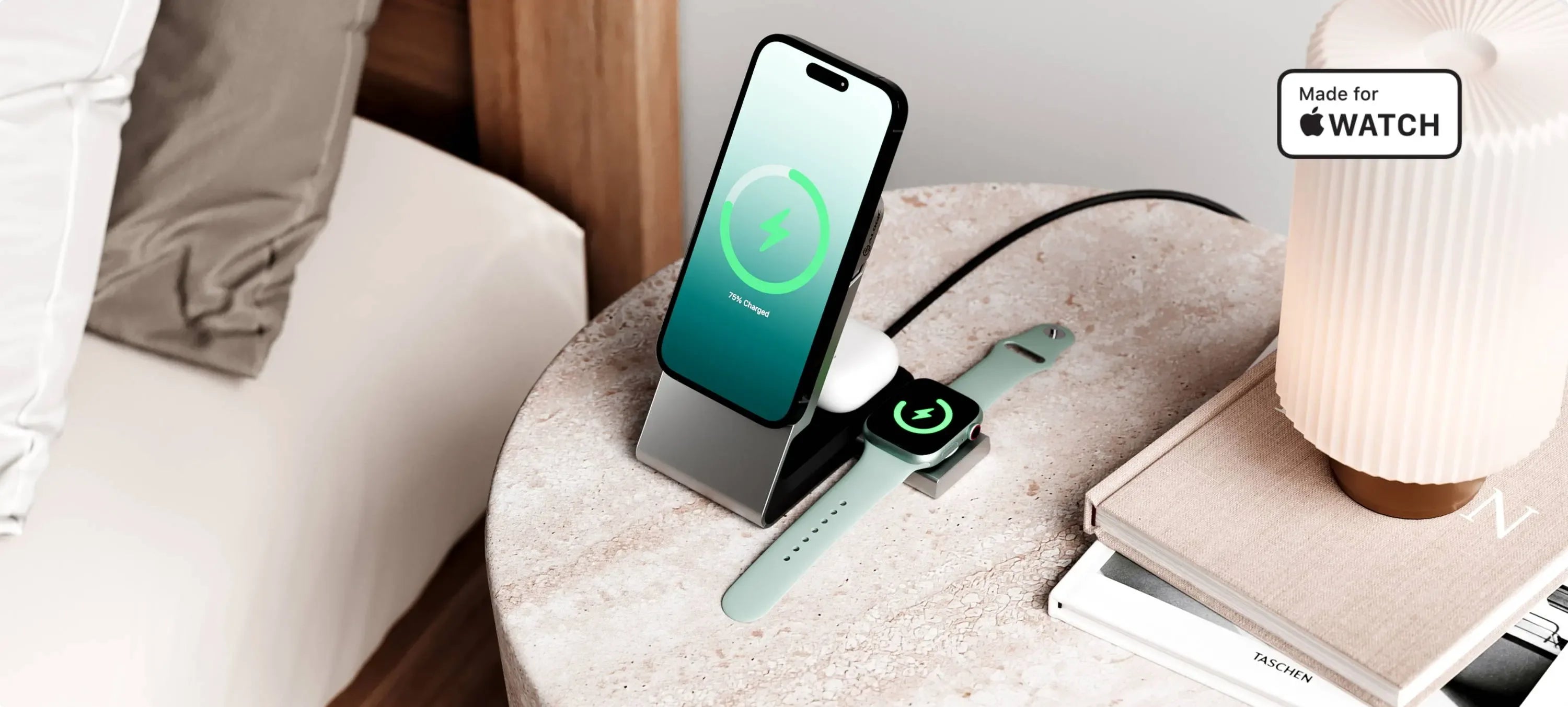
Fast magnetic charging for your iPhone, Apple Watch and Wireless Airpods, in one sleek package that showcases your phone.

Whether you need a portable MagSafe battery, a desk charger, a car charger, or a watch charger, the Alogic Matrix system has you covered - at home or on the go.

ALOGIC Matrix 3-in-1 Magnetic Charging Dock – Best modular 3-in-1 magnetic charger

ALOGIC’s Modular Matrix Charging System Is MagSafe Compatible And Ideal For iPhones

ALOGIC’s new Matrix ecosystem makes wireless charging easy anywhere.
Matrix Power Bank shown in video sold separately.
- Wireless Charger
- Apple Watch Charger
- Earbuds and Qi Devices
- Add On Accessories
-


-


-


-
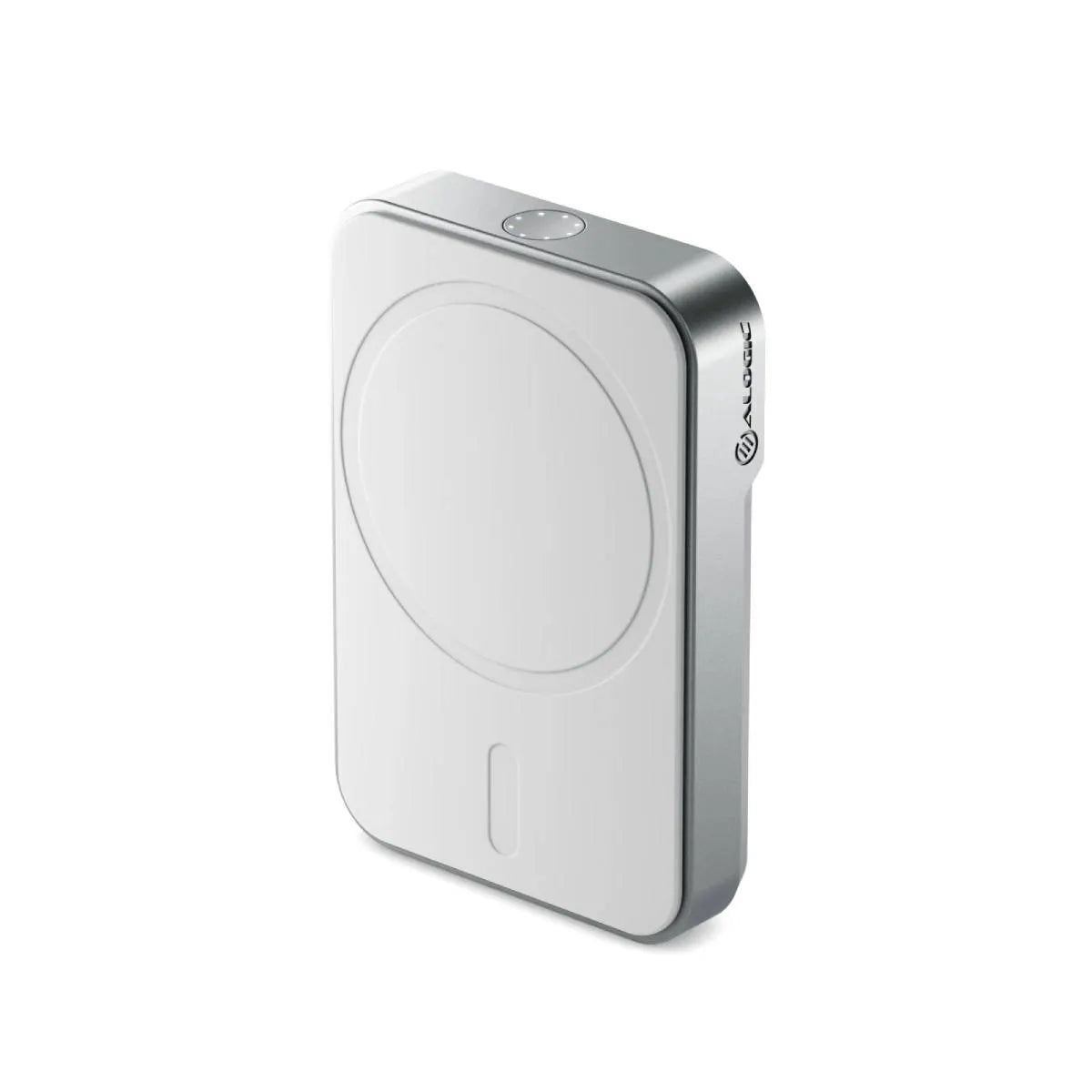
 *Sold Separately No.: MSPB5KWH
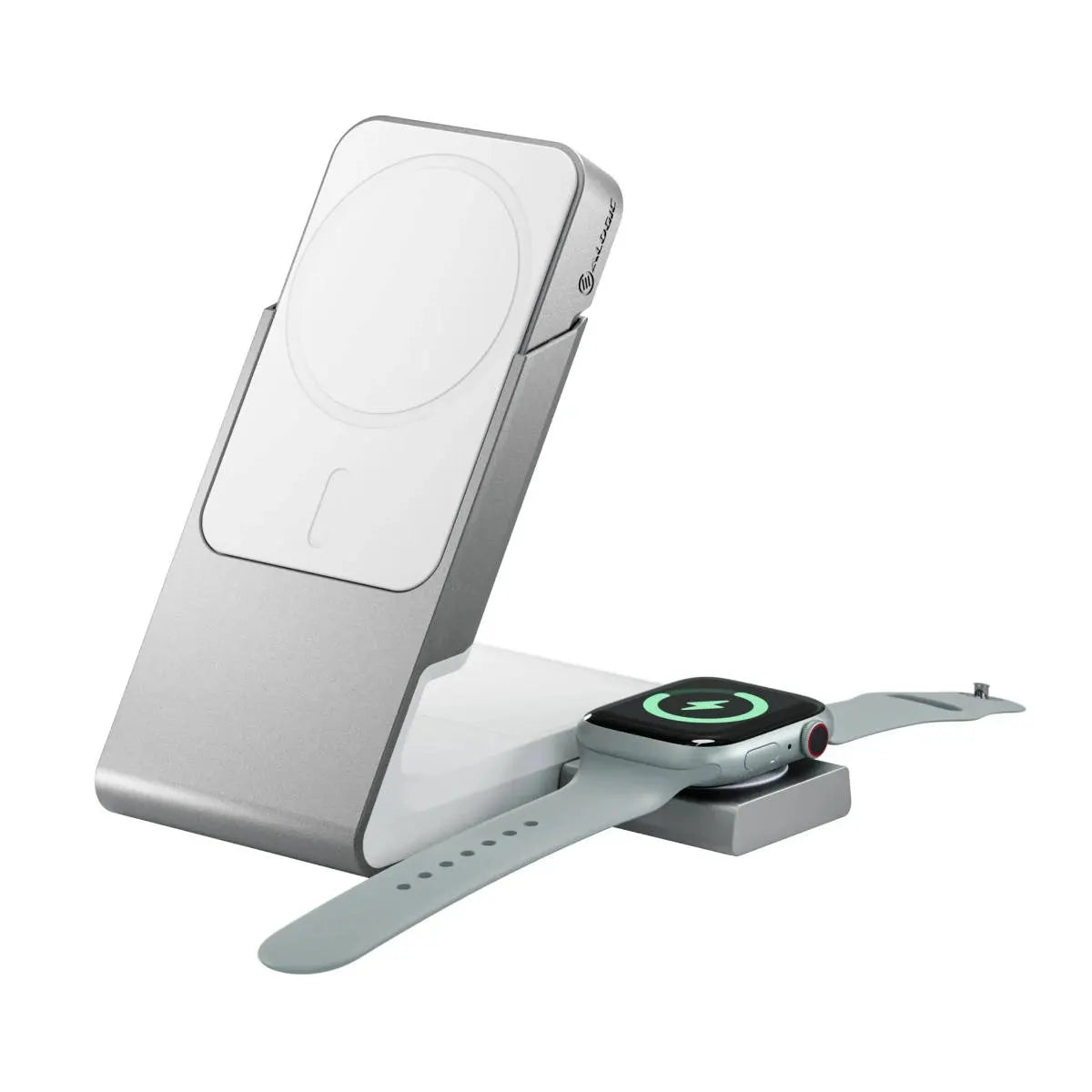
The Matrix USB-C Apple Watch Charger has been fully tested by Apple to for quality, reliability and compatibility with Apple Watches. With its Made for Apple Watch certification, you know your watch is in safe hands.


Tangled cables are a thing of the past. Reclaim your desk or nightstand and peace of mind by charging all your daily devices with a single USB-C cable, all in a stylish, minimalist dock designed to showcase your devices.

Take advantage of magnetic charging by attaching the included Magnetic Support ring to your Qi-compatible Android phone. Then, just snap the power bank onto your phone to charge!
Effortlessly switch between portrait and landscape to watch videos, scroll the news or just flick through TikTok.
The dock's custom charging cradle makes it easy to align your wireless earbud case for charging. Perfectly fits your Apple Airpods, Samsung Galaxy Buds and Google Pixel Buds Pro.

Less than 4cm long, the detachable USB-C Apple Watch Charger makes a great travel companion.
General
It can also be plugged into a Matrix Power Bank, to recharge your Apple Watch when away from a power source. The Power Bank's 5,000mAh battery is sufficient to recharge an Apple Watch at least 10 times, helping you stay connected when you're off the grid.
When you purchase the Matrix 3-in-1 Charging Dock, you receive the dock, the wireless charging pad, a USB-C Apple Watch Charger and a 30W power adapter to plug into the wall.
When you purchase the Matrix 2-in-1 Charging Dock, you only receive the dock and the wireless charging pad.
If you purchase the 2-in-1 charging dock and later wish to upgrade it with Apple Watch charging capabilities, you can purchase the standalone Matrix USB-C Apple Watch Charger and plug it into the side of your dock, just as if you’d bought the 3-in-1 set.
Troubleshooting
Double check your phone is compatible with either Qi or MagSafe charging. If it doesn’t support these styles of wireless charging, it won’t work with Matrix. Remove your phone from the charger and remove your phone from the charger and reattach it, ensuring the centre of your phone aligns with the ring on the charging pad. Ensure your Matrix magnetic charging pad, charging dock or car charger is plugged into a power source of at least 20w via its rear/bottom usb-c cable. If your phone is in a case, try removing it. Cases thicker than 4mm can interfere with wireless charging.
Matrix Magnetic Chargers have a number of safety features that can disable charging in case of danger. To ensure one of these is not interfering with operation:
Check that there are no other objects on the charging surface, especially ones between the phone and charger. Objects not designed for MagSafe charging may heat up during the charging process and damage the charger or your phone. When detected, the charger switches off. Ensure your phone does not contain small metallic elements, such as foil logos. These may overheat during charging and damage the case, phone and charger.